Secure Muse Code Gmail Connection with PortEden
Give Meta's terminal coding agent scoped Gmail access. One MCP server entry in settings.json, with PII redaction, read-only defaults, and an audit log that covers every sub-agent.
Step-by-step walkthroughs for connecting AI assistants to your everyday tools through PortEden. Every guide ships with prerequisites, verification prompts, and troubleshooting checks so you can identify problems fast.
Give Meta's terminal coding agent scoped Gmail access. One MCP server entry in settings.json, with PII redaction, read-only defaults, and an audit log that covers every sub-agent.
Connect Microsoft 365 email to Muse Code through PortEden. Folder exclusions, read-only defaults, tenant admin consent supported, full audit trail.
Let Muse Code schedule around your day without seeing who you meet. Free/busy-only presets, attendee redaction, and confirm-before-write on every calendar change.
Give Muse Code the specs and runbooks it needs, and nothing else. Drive is block-all by default; you allow folders explicitly with Drive Rules.
Let Muse Code read design docs and API specs under per-folder scope, with redaction on content and confirm-before-write if you enable editing.
Read test-account matrices and log benchmark results from Muse Code. Per-file scoping, formula protection, and append-only writes for parallel agents.

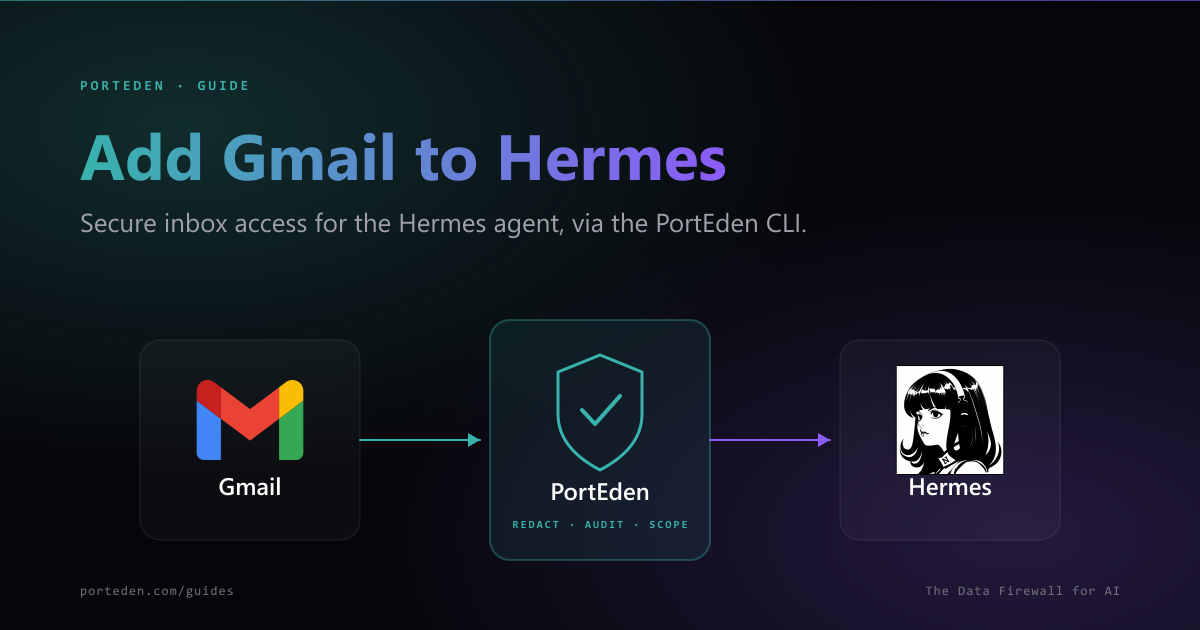
Wire the PortEden CLI into Hermes as a skill, or add PortEden over MCP, so your local agent reads and triages Gmail with PII redaction, least-privilege scope, and a per-action audit log.

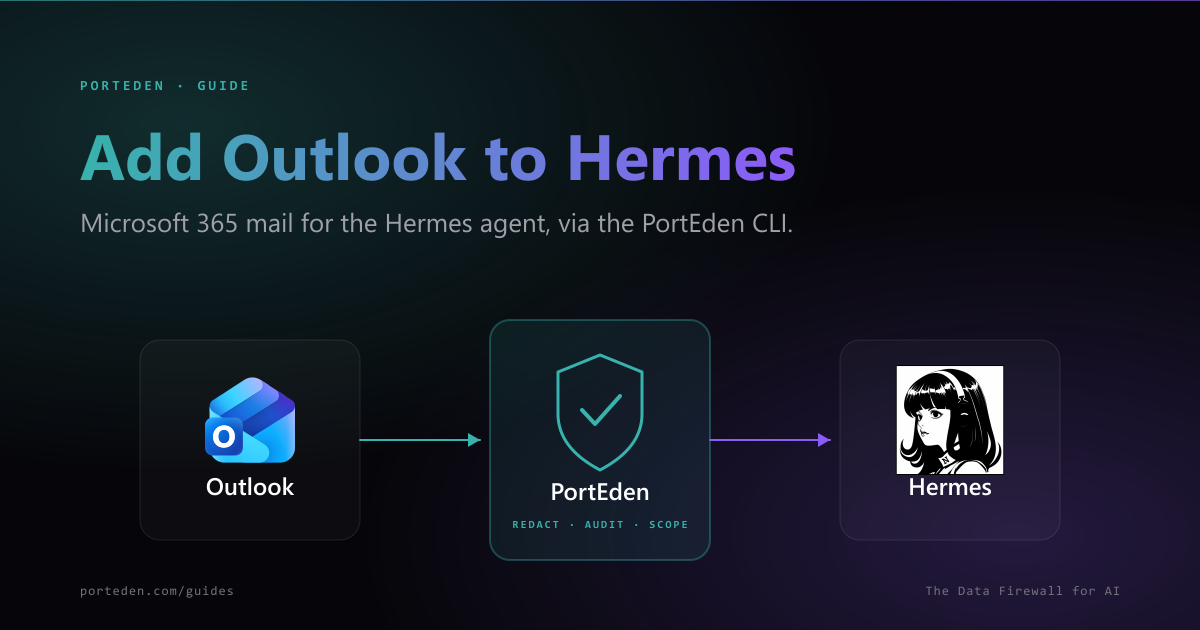
Give your local Hermes agent Microsoft 365 mail access through the PortEden CLI or MCP. Replaces broad Mail.ReadWrite with scoped, redacted, audited access.

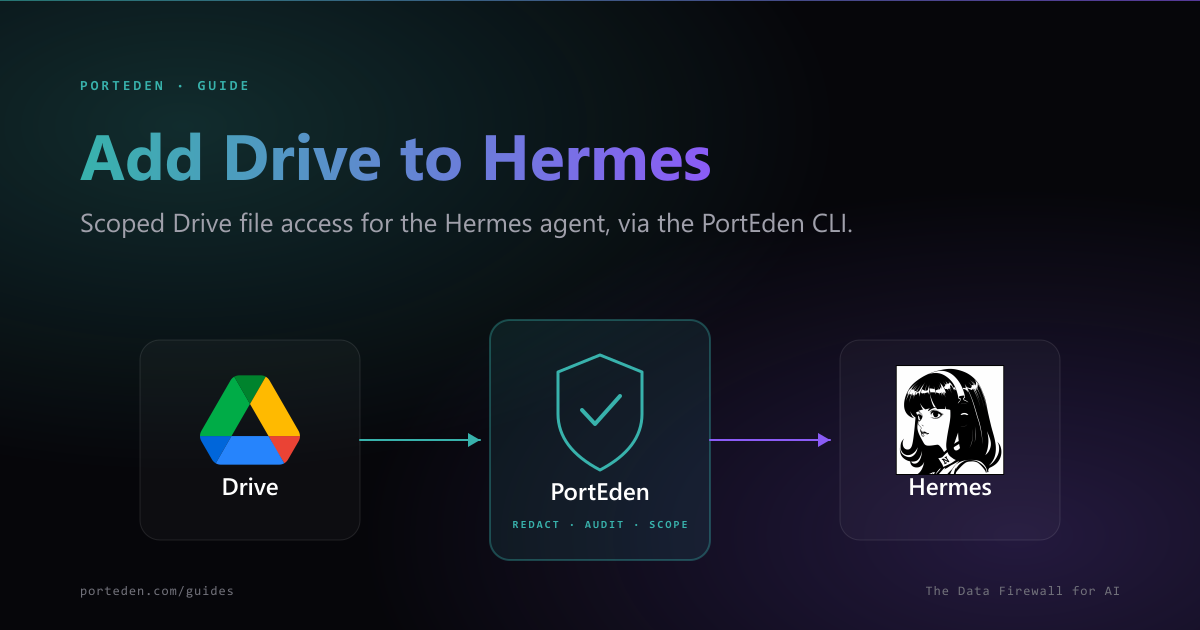
Let your local Hermes agent search and read Drive files through the PortEden CLI or MCP, with file-level rules, links-only downloads, and audit.

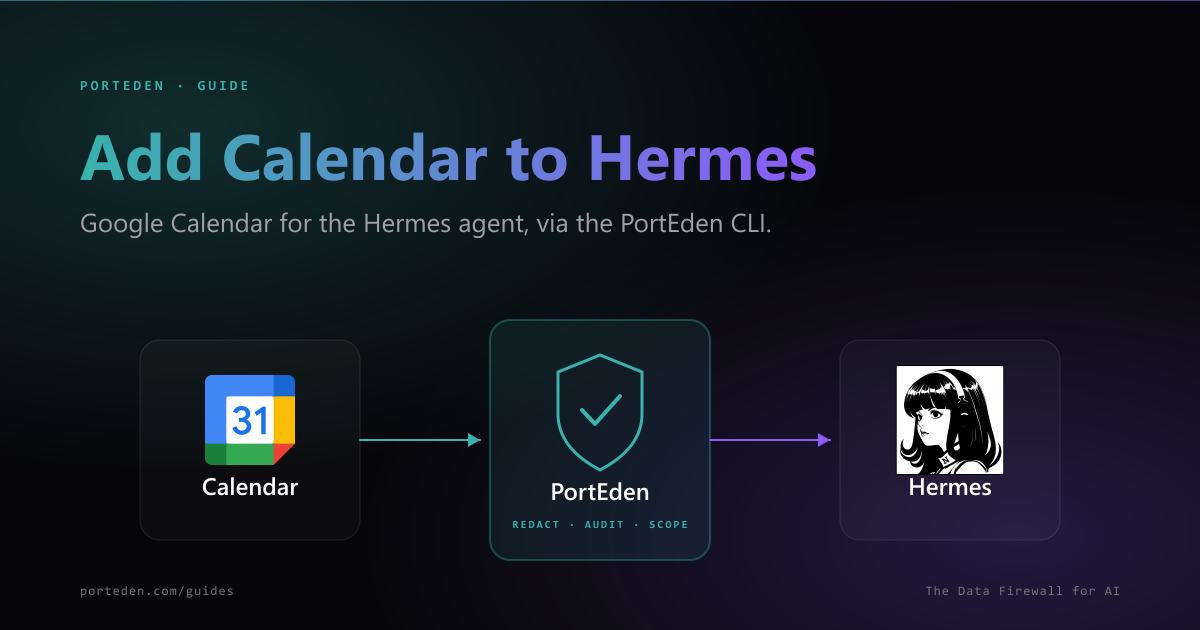
Give your local Hermes agent Google Calendar access through the PortEden CLI or MCP. Read events and free/busy with attendee redaction, scope, and audit.

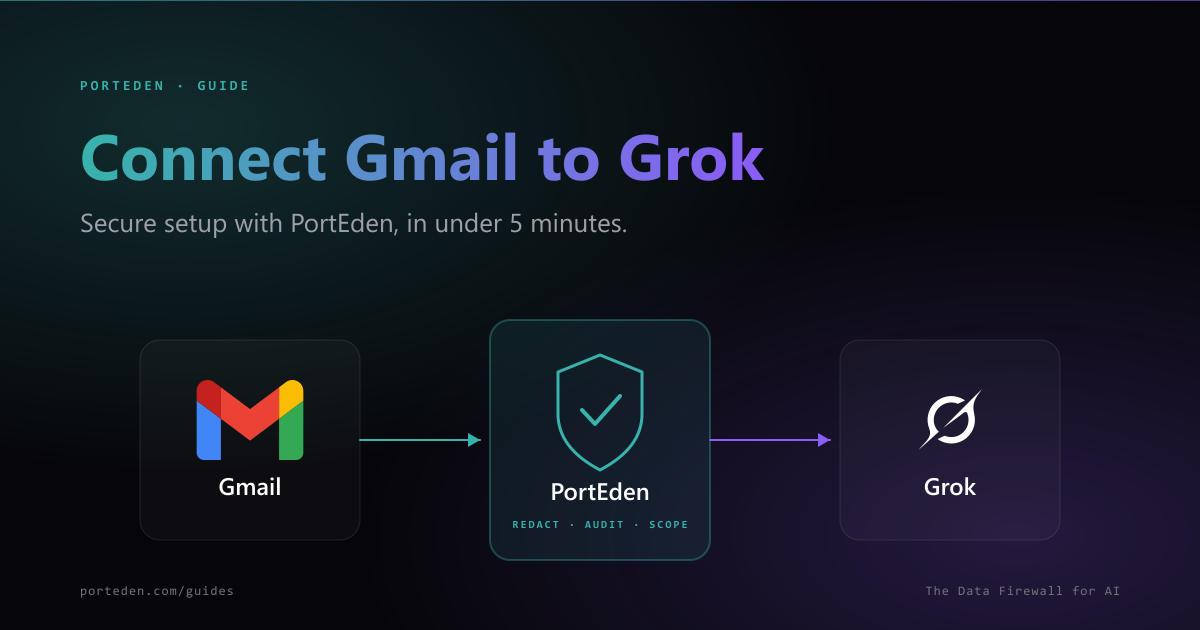
Secure Grok and Gmail connection in under 5 minutes. Add one MCP URL in Grok, sign in to PortEden, and you are done. PII redaction, per-action permissions, audit log.

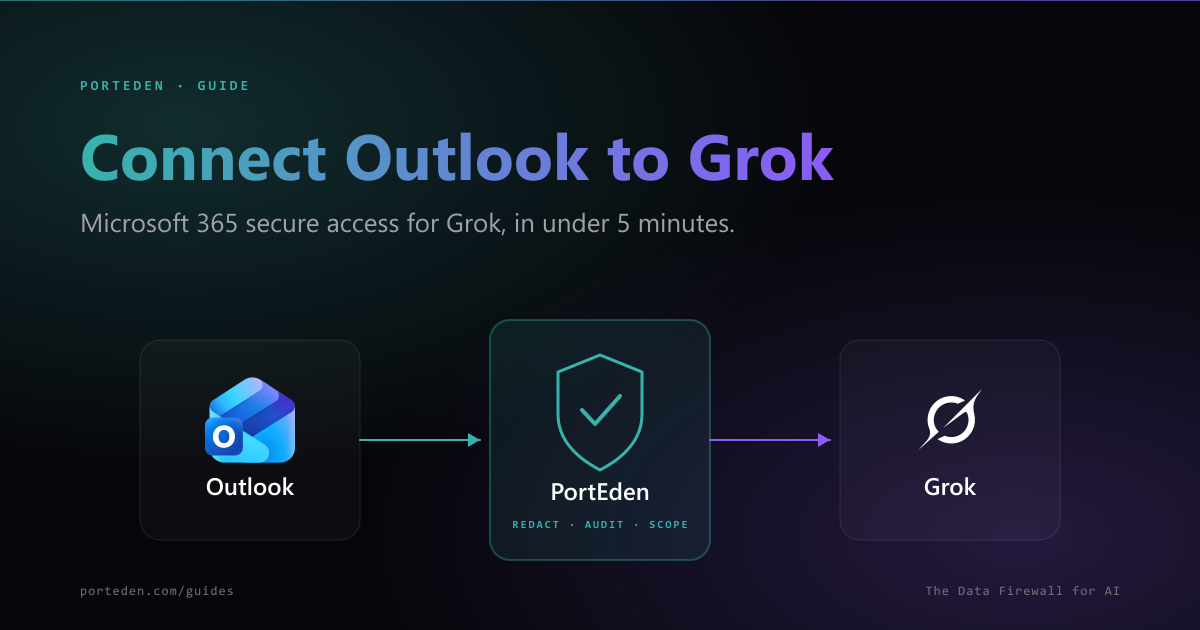
Secure Grok and Outlook connection for Microsoft 365 in under 5 minutes. One MCP URL in Grok, sign in, done. Works with M365, Outlook.com, and Exchange Online.

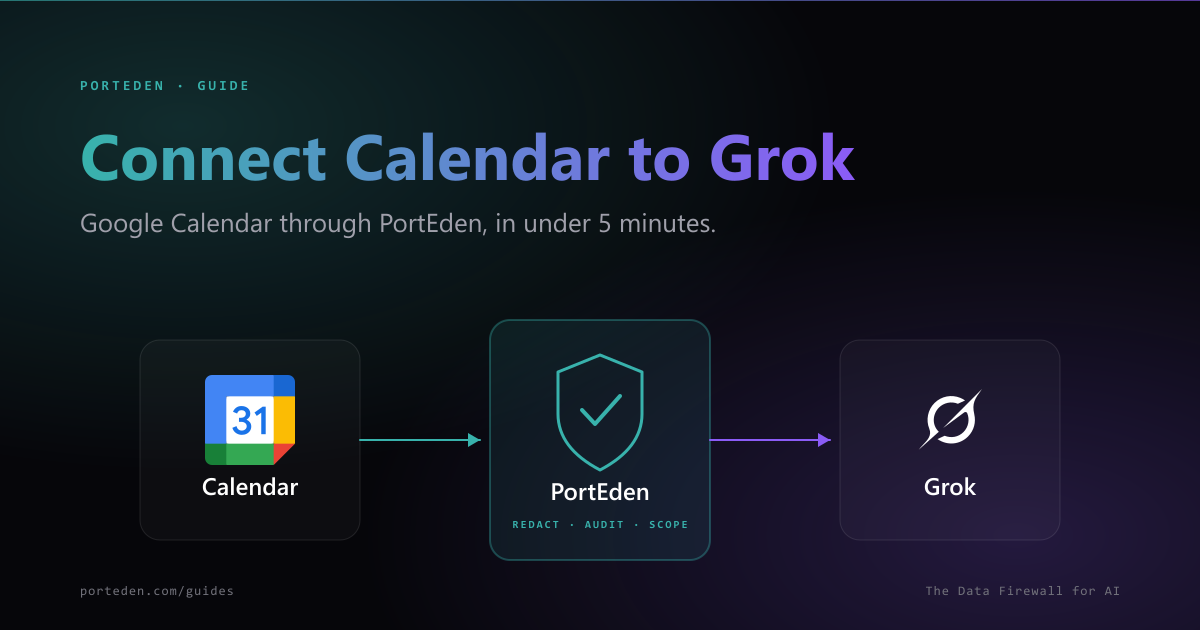
Connect Google Calendar to Grok in under 5 minutes. Read events, check free/busy, and schedule meetings with attendee redaction, per-action permissions, and audit log.

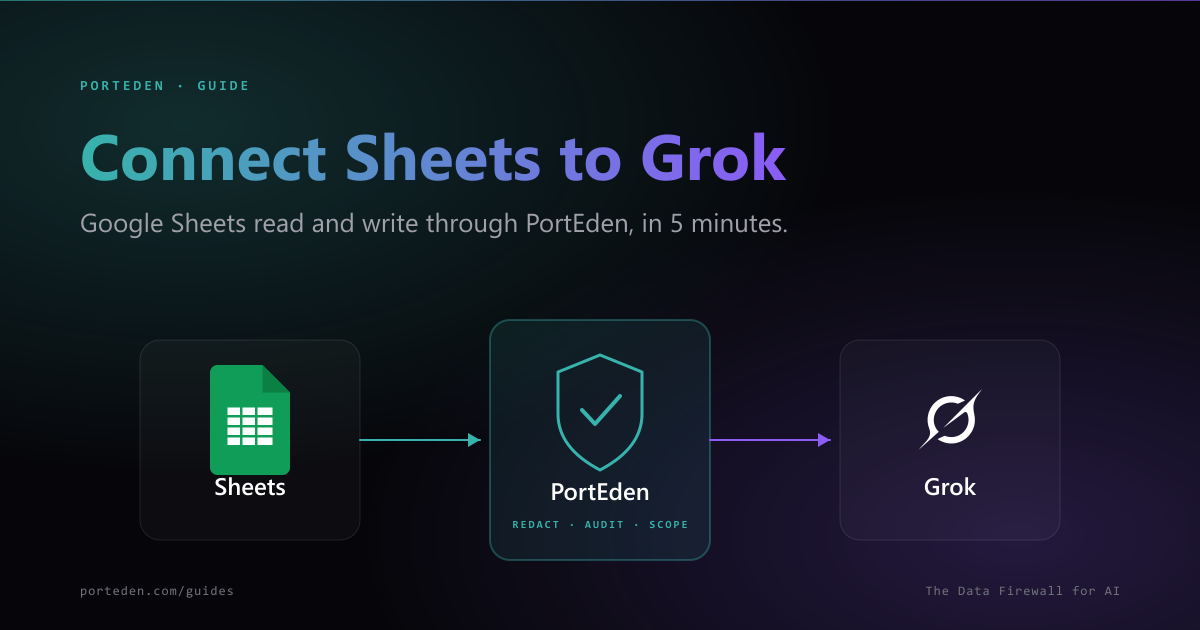
Connect Google Sheets to Grok in under 5 minutes. Read cells, append rows, and update ranges with per-file scoping, formula protection, and confirm-before-write.

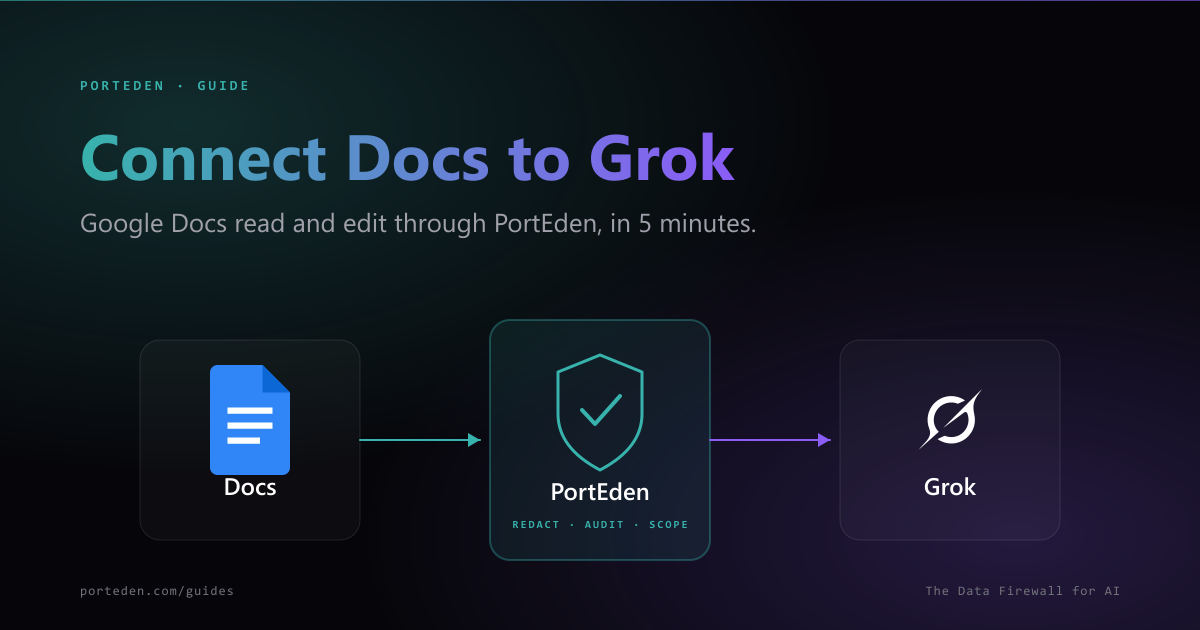
Connect Google Docs to Grok in under 5 minutes. Read, summarize, draft, and edit docs with per-folder scoping, comments off by default, and confirm-before-write.

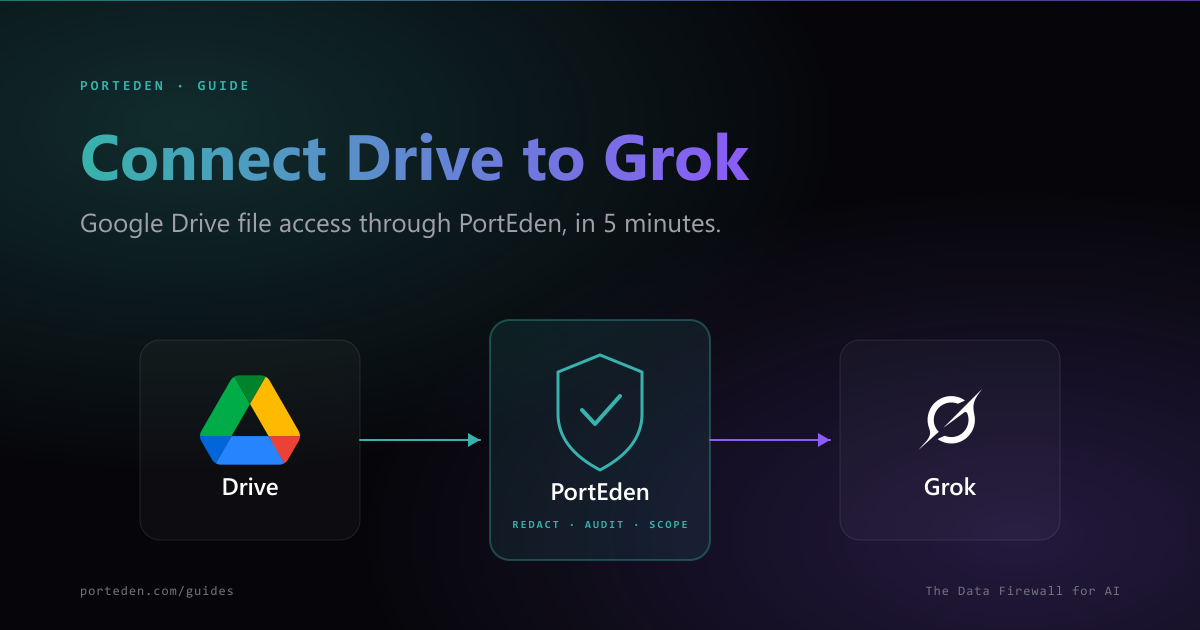
Connect Google Drive to Grok in under 5 minutes. Search files, read metadata, export, and manage files with file-level Drive Rules and confirm-before-write on destructive actions.

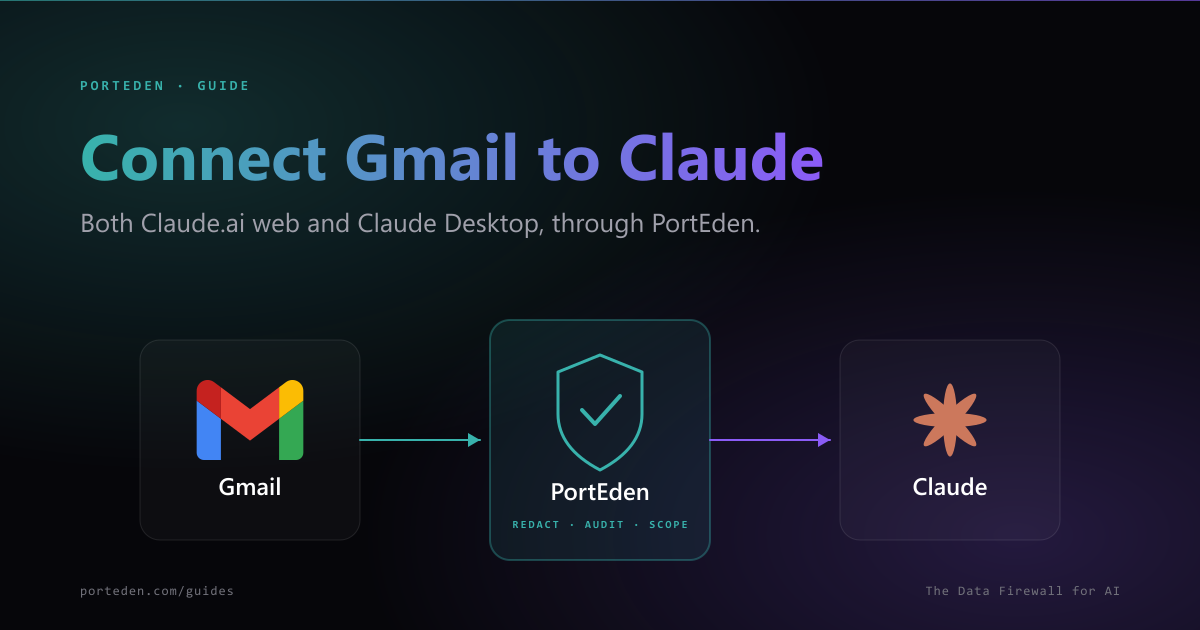
Use Gmail inside Claude.ai or Claude Desktop. One PortEden MCP URL works for both. PII redaction, audit trail, dual-path setup.

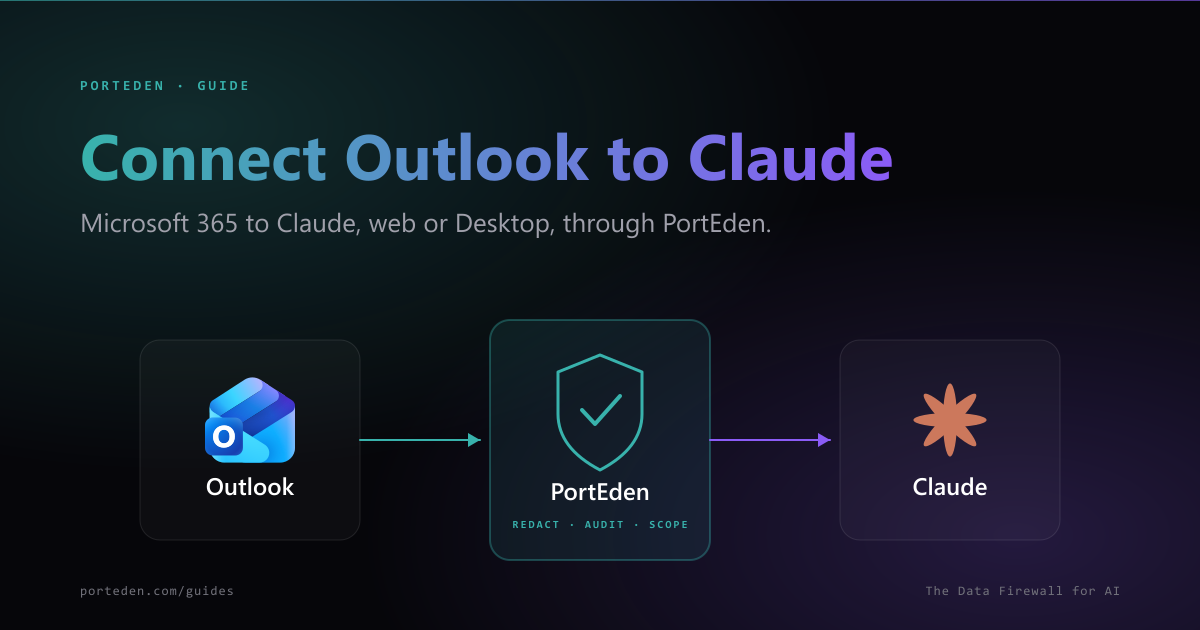
Use Microsoft 365 mail in Claude.ai or Claude Desktop. Tenant admin consent supported. Per-folder exclusions, audit trail, dual-path.

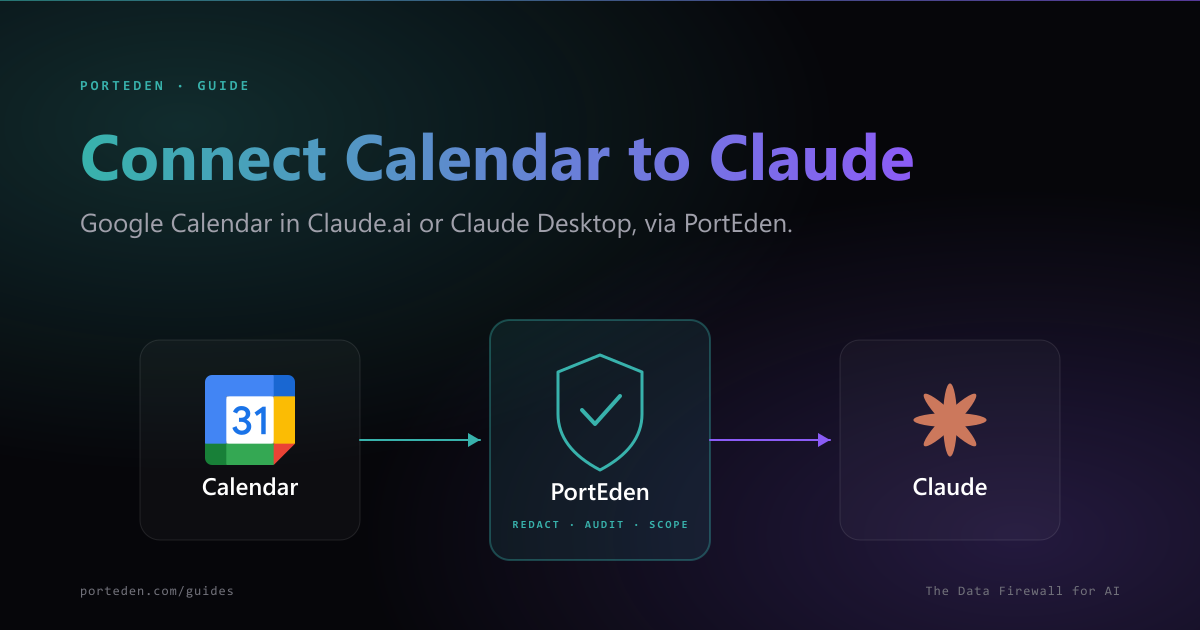
Use Google Calendar in Claude.ai or Claude Desktop via PortEden. Attendee redaction, recurring-event safety, audit trail, dual-path setup.

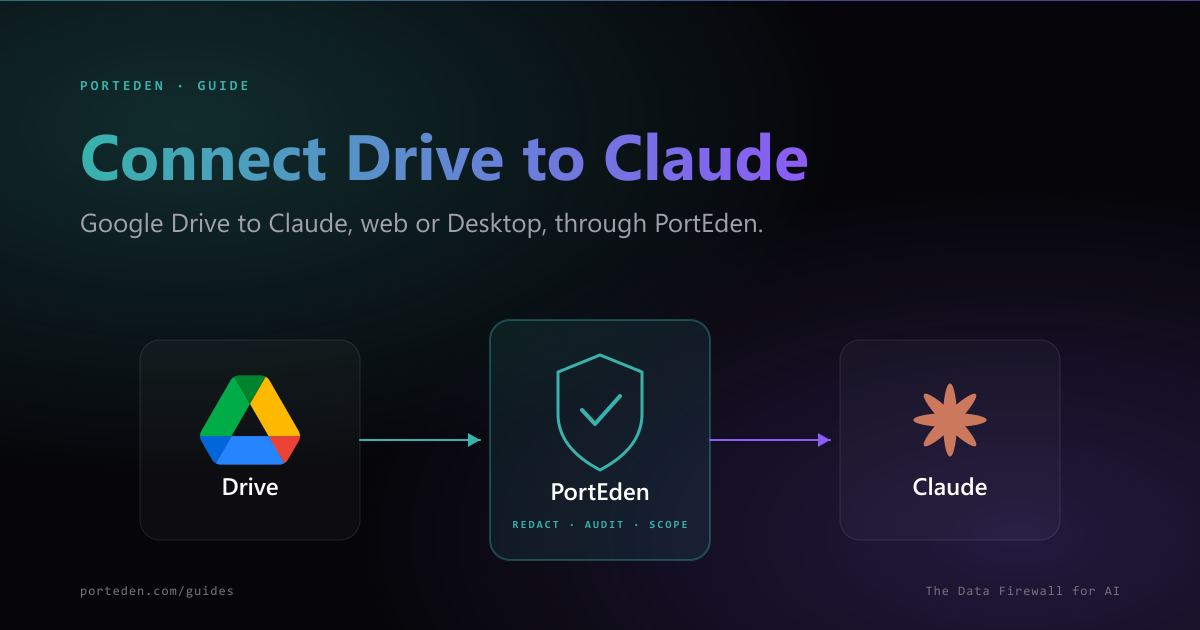
Give Claude scoped Drive access via PortEden. Block-all by default; you add Drive Rules per folder. Works in claude.ai and Claude Desktop.
We are publishing a new connector guide every couple of weeks, including Outlook to ChatGPT, Google Drive to Claude, and Notion to Grok. For deep technical docs on the underlying APIs, see the PortEden Documentation.